.jpg) Natalie Mahn
Natalie Mahn
3D Renderings: A Game-Changer for Multifamily Marketing
Staying ahead of the competition within the real estate industry is crucial. One tool that has transformed the marketing landscape is 3D renderings....
.jpg)
Creating 3D renderings is a detailed process. It involves continuous communication between you and a 3D artist where you’ll communicate what you want (and how you want it).
As a first step, you’ll discuss — and decide on — camera angles for your 3D renderings. Now, if the term "camera angle" is confusing, please note that no camera is involved when creating renderings. It's just an industry standard term used to describe the perspective of visualizations.
If that sounds daunting, not to worry. This article will help! See below to learn all about 3D renderings, getting started and choosing the best angles for your community.
What are 3D renderings?
A 3D rendering is a high-resolution, stylized image of your community. A 3D artist digitally creates lighting, shadows, textures, furniture and more.
Before inquiring about your next project, it’s good to know what goes into it and what part you’ll play.
First, you’ll choose your camera angles. These determine the scale and focus of each rendering. It’s a critical step you’ll want to think through thoroughly, as it’s difficult to make changes once the rendering process starts.
Next, the LCP Media team will:
Create a basic 3D preview
Apply texture and lighting
Incorporate interior design
Understanding these steps can help you with angles, since it gives you an idea of what comes before the finished rendering.
Keep reading to see how to choose the best camera angles for your project.
Determining angles by location
Start by determining which areas you’re capturing. An exterior shot needs a different angle than an interior shot, like an image of an apartment living room.
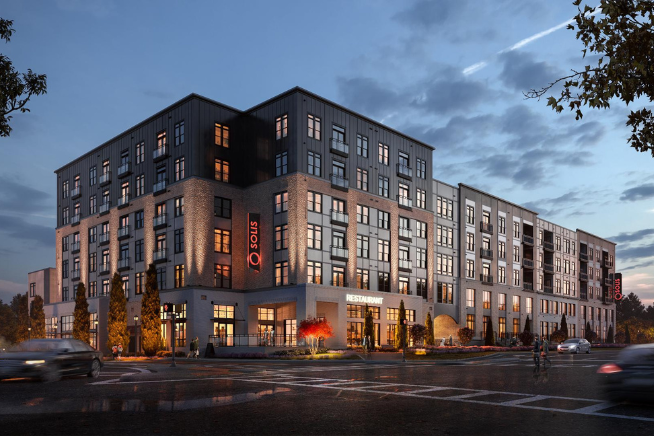
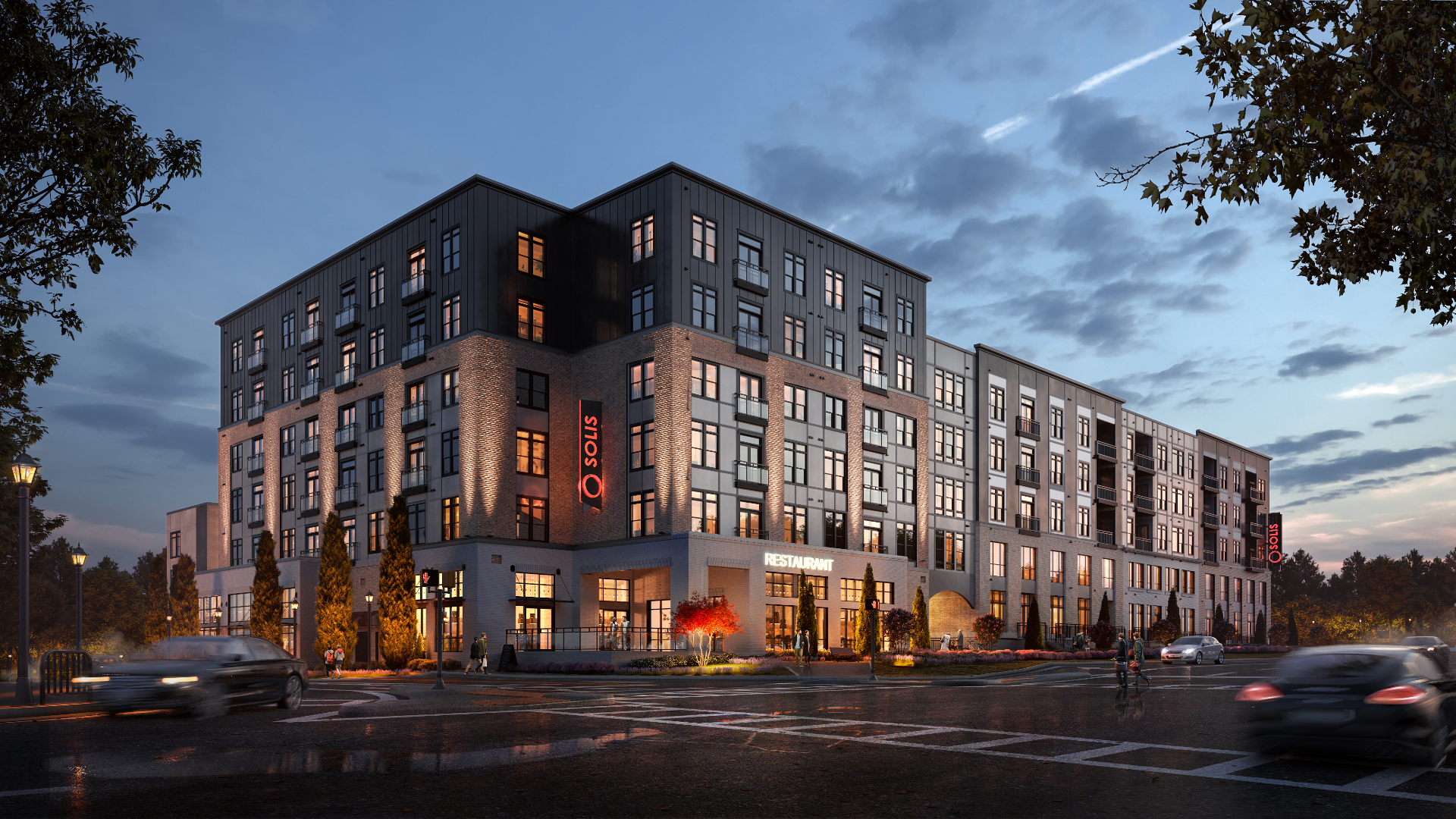
Exterior images should consider outdoor lighting, weather and surrounding architectural components. Below are examples of exterior 3D renderings from various viewpoints.
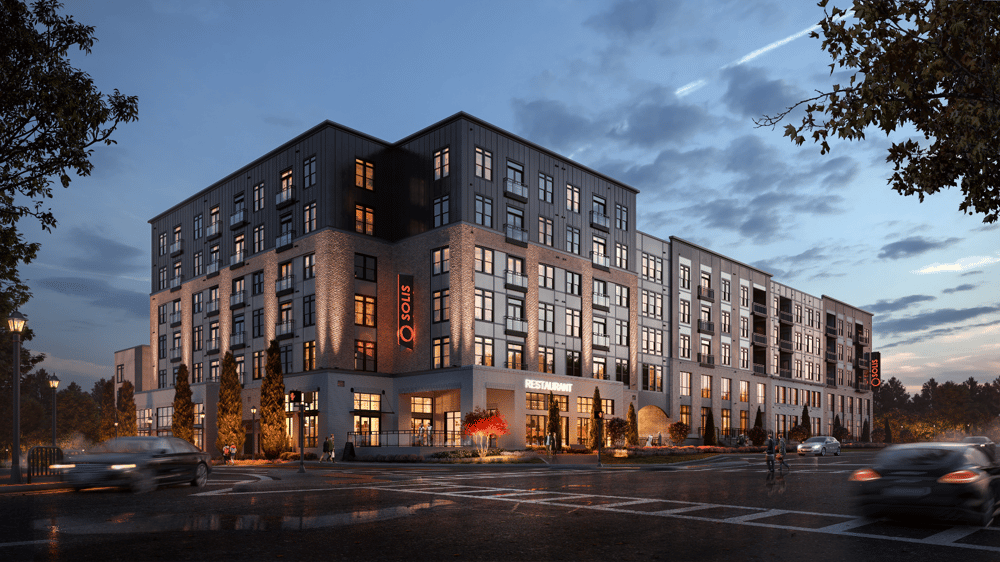
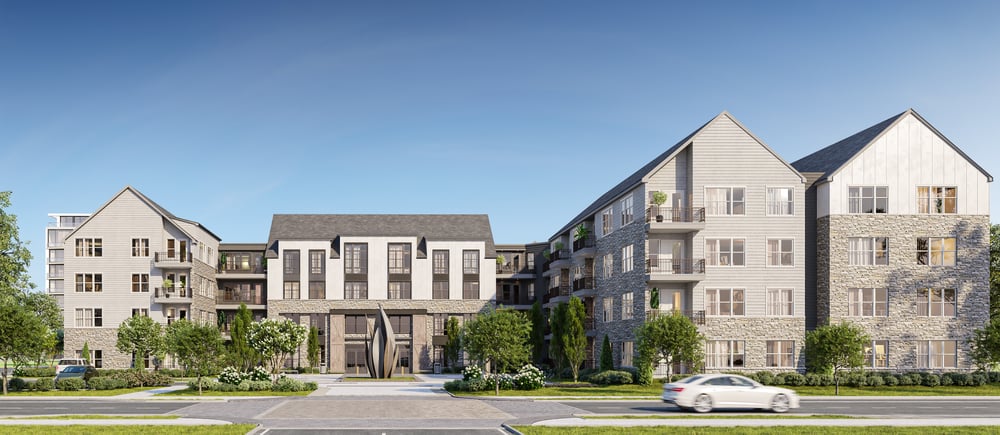
The time of day, surrounding area and weather all play a role … and it’s why the angle differs between the two photos. The first is shot lower, since the darker ground and sky compliment the evening lighting. The second uses an eye-level view to highlight the community’s architecture and courtyard.
If you’re struggling with which camera angles work for different areas, look through examples online. Your 3D artist can also point you in the right direction.
Choosing angles by focal point
Next, think about ways to show off your community’s best attributes. We recommend starting with your top units and amenities.
For each of these, pick the focal point you want renters to see. Do your units have spacious kitchen islands? Make that the focal point of your kitchen 3D rendering.
Pro tip: Be sure to accurately portray spaces, and don’t exaggerate dimensions. Transparency is important to renters.
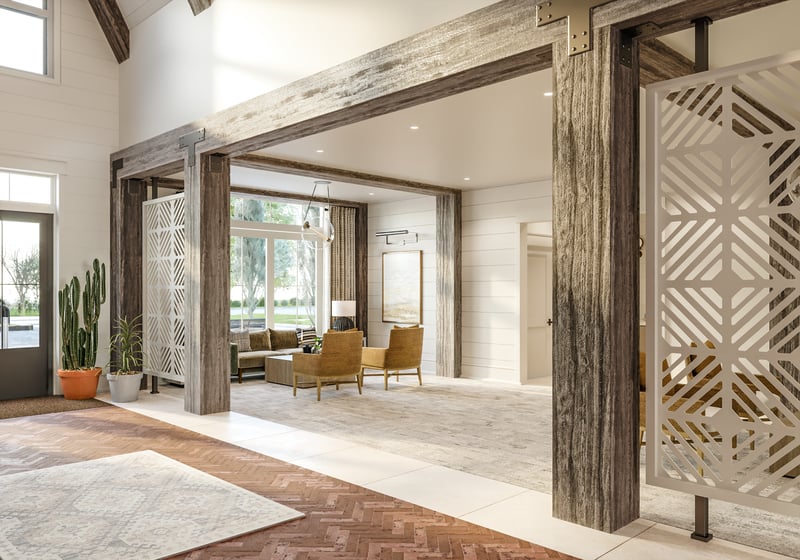
Here are some examples of angles chosen based on focal points.
.jpg?width=800&height=534&name=54_Watermark_Lobby_Final%20(1).jpg)
.png?width=800&height=560&name=PSI%20(7).png)
As you can see, each image is taken at a different angle. Your eye likely went to the grand cased opening in the first image, central fireplace in the second and wood paneling in the third.
Focus on what you want renters to pay the most attention to.
Selecting angles to accentuate a mood
Are you trying to communicate a certain mood in your 3D renderings? Let’s get into four camera angles to try and when they make sense.
Remember: 3D renderings should accurately display your community. Be mindful of how different angles affect how each space appears.
1. Eye-level angles
Eye-level perspectives are the most natural. They show a space from the perspective of someone standing in the room, and they’re great for revealing lots of information. This angle is usually emotionally neutral, so use it for smaller, more basic spaces, like bedrooms.
-2.png?width=800&height=560&name=image%20(5)-2.png)
2. Low angles
Low-angle shots appear more dramatic. Often used for exterior images, these angles emphasize how tall or expansive a building is. They’re ideal for showcasing the entrance to your community.
.jpg?width=366&height=549&name=343_D1_Exterior_Gray_04(proposal).jpg)
3. High angles
High angles are powerful and help highlight layouts. It’s a unique perspective that looks over a given space, such as a rooftop. These angles are effective for spaces that have multiple areas.
-min.jpg?width=800&height=450&name=45_5MLK_Rooftop_Deck_D3_Cam_2%20(1)-min.jpg)
Wondering how this differs from eye-level angles? Eye-level shots feel like you’re standing in a room, whereas straight-on angles place the camera directly in front of a room or feature.
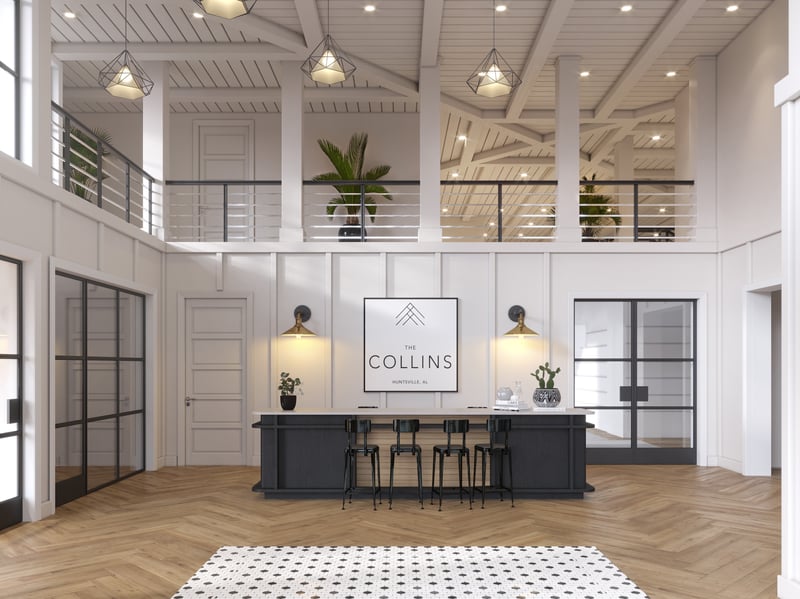
Find the angle that fits your brand's style
Consider the above criteria before finalizing your camera angles. And be sure to review examples of 3D renderings, or standard community photos, to get inspiration. Every community is different, and you’ll want renderings that reflect your brand’s style.
An experienced 3D artist will be your best resource throughout the process.
If you’re looking for help, reach out below. We create stunning 3D renderings that attract renters, and our 3D artists are second to none.
Want to elevate your marketing further? Explore our interactive 3D virtual tours and cinematic fly-through animations. Whether you're pre-leasing or marketing a new development, 3D content makes your community stand out to renters.
Staying ahead of the competition within the real estate industry is crucial. One tool that has transformed the marketing landscape is 3D renderings....
 McKenna Hogan : Mar 3, 2021, 8:30:00 AM
According to a 2019 Global Market Insight Inc. report, renderings will rise to over $6 billion by 2025.
 Rayhanna Guillen : Jul 13, 2020, 11:40:00 AM
The use of 3D renderings is necessary in the development, pre-sell or pre-leasing stages of multifamily, senior living and many other industries. The...