Free checklist: How to prepare for a virtual tour
Planning to create a virtual tour? Whether you have a professional shoot scheduled or your on-site team is handling capture, getting the property...
3 min read
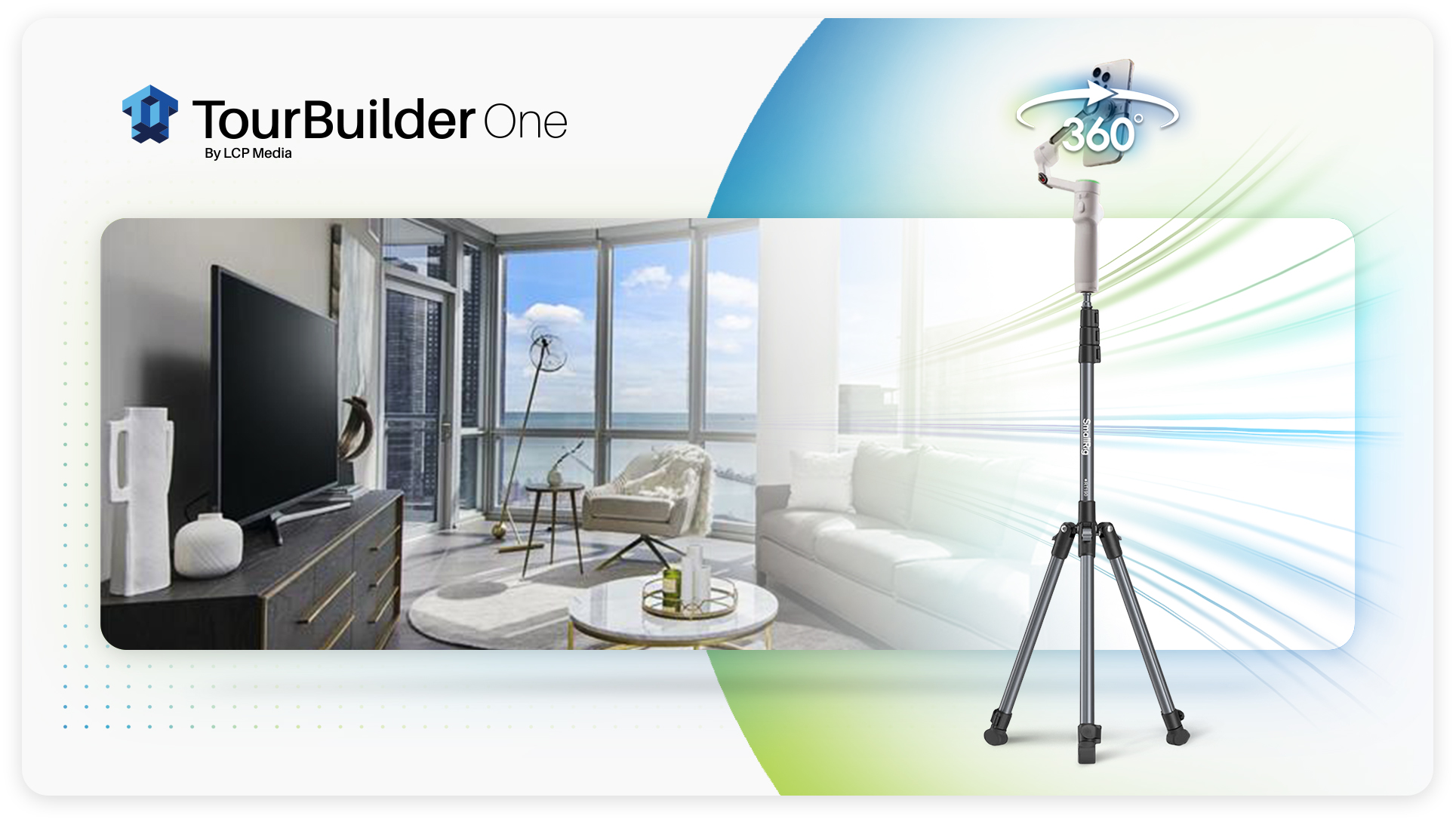
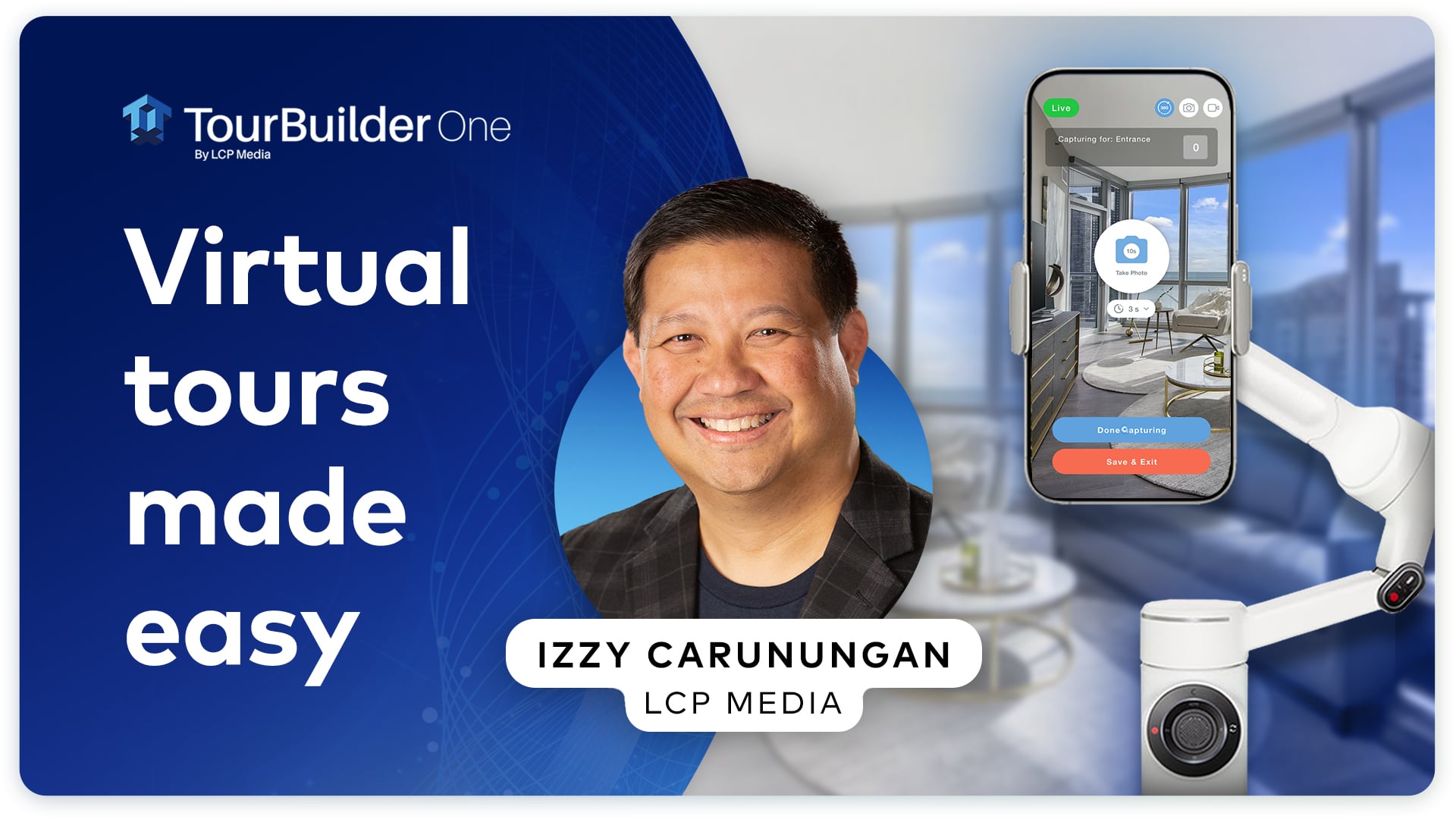
In case you missed the big news, we launched TourBuilder One earlier this year. Our all-in-one mobile capture solution makes it easy to create virtual tours, photos and videos right from your property with an iPhone.
But today, we’re zooming in on virtual tours.
When it comes to virtual tours, we know “easy” can raise a question: Does a simpler capture process mean sacrificing quality?
Short answer? Not at all.
With just an iPhone, gimbal, tripod and the TourBuilder app, your team can capture a high-quality 360° tour. Think: iPhone camera technology, 36 individual images and a little help from AI. Multiple panoramas are then connected to create a complete walkthrough of your property or unit.
Sounds complicated? It’s not. At least not for you.
Let’s break it down.
First things first: How easy is the setup?
Setting up for a TourBuilder One virtual tour is pretty easy.
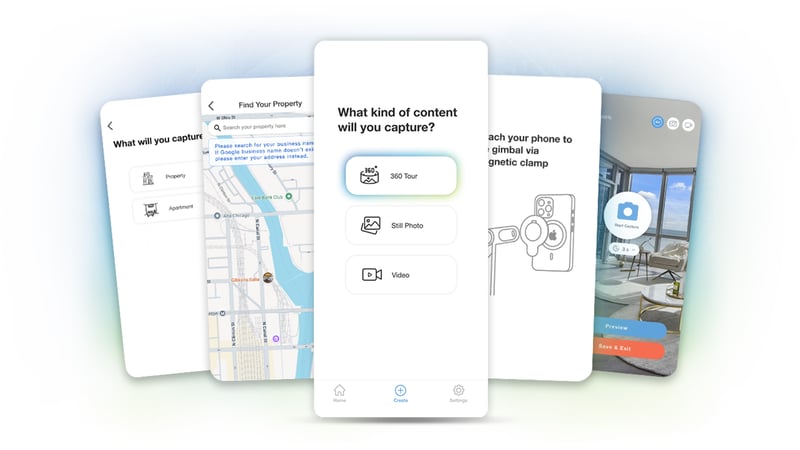
To capture a virtual tour with TourBuilder One, place your iPhone on the gimbal and tripod, then open the TourBuilder app and follow the step-by-step instructions.
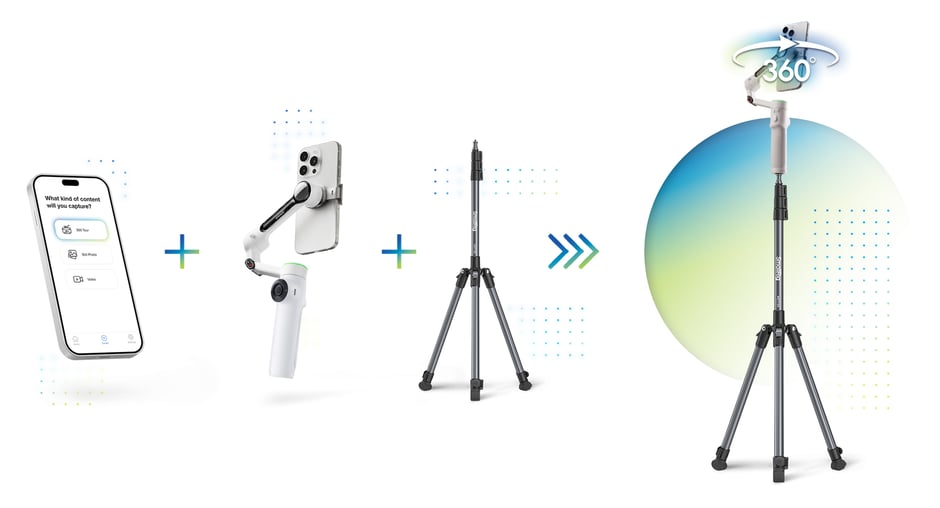
The gimbal automatically rotates your phone to help you capture consistent images throughout the space. The app guides you through each step, including pairing your iPhone with the gimbal, so you don’t need to be a photographer or tech expert to get started.
That’s it!
Want to see the full process? Check out our TourBuilder One Setup Guide for a step-by-step walkthrough.
Now that we’ve covered the setup, let’s talk about the technology behind it.
Why do we use an iPhone?
You may be used to seeing virtual tours captured with a traditional 360° camera, like the Ricoh Theta. Those cameras capture the entire room in one shot.
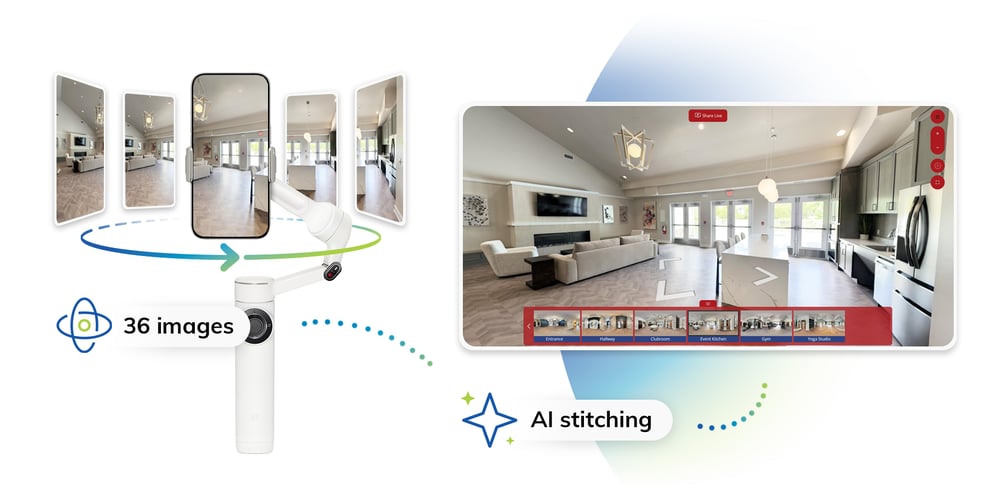
TourBuilder One does things a little differently. Instead, your iPhone captures 36 individual images as the gimbal rotates around the room.
Why?
A 360° camera has to capture everything around it at once, spreading its available pixels across the entire scene. The iPhone only captures one portion of the room at a time, allowing each image to pick up more detail.
The result? Sharper spaces, clearer finishes and more visible details throughout your space.
How do 36 images become one 360° panorama?
Here’s where AI comes in.
TourBuilder One uses AI-powered computer vision to stitch those 36 individual images together into one seamless 360° panorama. Your team can capture multiple panoramas throughout a property or unit, which are then connected to create a complete walkthrough virtual tour.
Never heard of computer vision? No problem.
Computer vision is a type of AI that helps technology understand and process images. For TourBuilder One, it helps determine how all those individual images fit together to create the complete 360° view.
In simpler terms, you capture the room, and the technology does the heavy lifting, stitching the images into one seamless 360° view. Renters can then explore the space online through your website, apartment listings and other marketing channels before ever visiting in person.
Does it actually look better?
Let’s talk pixels.
A Ricoh Theta Z1 captures a complete 360° image at 6720 × 3360 pixels. Each individual iPhone image used by TourBuilder One is captured at 4032 × 3024 pixels. Once the 36 images are stitched together, the finished panorama is 8192 × 4096 pixels.
That means each TourBuilder One panorama has approximately 1.5x more pixels than the Ricoh Theta Z1 panorama.
Not a camera expert? Here’s what you need to know: More pixels mean more detail. That can translate to a sharper, clearer view as renters move through your virtual tour and explore the details of a unit or property.
What about lighting & color?
Here’s another advantage of capturing with an iPhone: There’s already some pretty powerful camera technology in your pocket.
The iPhone uses computational photography, including features like Smart HDR, to help improve lighting, color and detail.
Think about capturing an apartment on a sunny afternoon. You may have bright sunlight coming through the windows while other areas of the room are much darker. Smart HDR helps balance those differences, preserving more detail across both the bright and dark areas of the image.
The result? More balanced lighting, richer color and a clearer look at the space. And all of that happens before the individual images are stitched together into your finished panorama.
Easy for you, smart behind the scenes
There’s a lot happening behind every TourBuilder One virtual tour.
iPhone camera technology, guided gimbal capture and AI-powered computer vision work together to turn each set of 36 individual images into a high-quality 360° panorama. Multiple panoramas come together to create a complete virtual tour that renters can move through and explore.
TourBuilder One brings all of this technology together while keeping virtual tour capture simple.
And while we focused on the science behind virtual tours here, TourBuilder One also gives your team the ability to create photos and videos, helping you keep your property media up to date as spaces change.
New unit available? Updated amenity? Recently renovated space? You can capture the media you need, when you need it.
More than just tour capture
TourBuilder One includes all the perks of TourBuilder, a platform we built with multifamily in mind.
TourBuilder Connect: Virtually tour spaces live with prospects or let them explore together with friends, family or future roommates from anywhere.
TourBuilder Clips: Downloadable short-form videos and GIFs created by AI from your virtual tours for social media and email follow-up use.
TourBuilder Insights: Track engagement and performance to see what’s working.
TourBuilder Sync: Share your tours across your marketing channels.
Make the experience your own with custom branding, buttons and more.
Learn more about the benefits of TourBuilder.
Ready to see TourBuilder One in action?
High-quality virtual tours don’t have to be complicated. TourBuilder One combines a simple capture process with smart technology to deliver professional results.
Explore a sample TourBuilder One tour to see how easy your next virtual tour can be.
.gif?width=818&height=449&name=Example-virtual-tour-v101%20(1).gif)
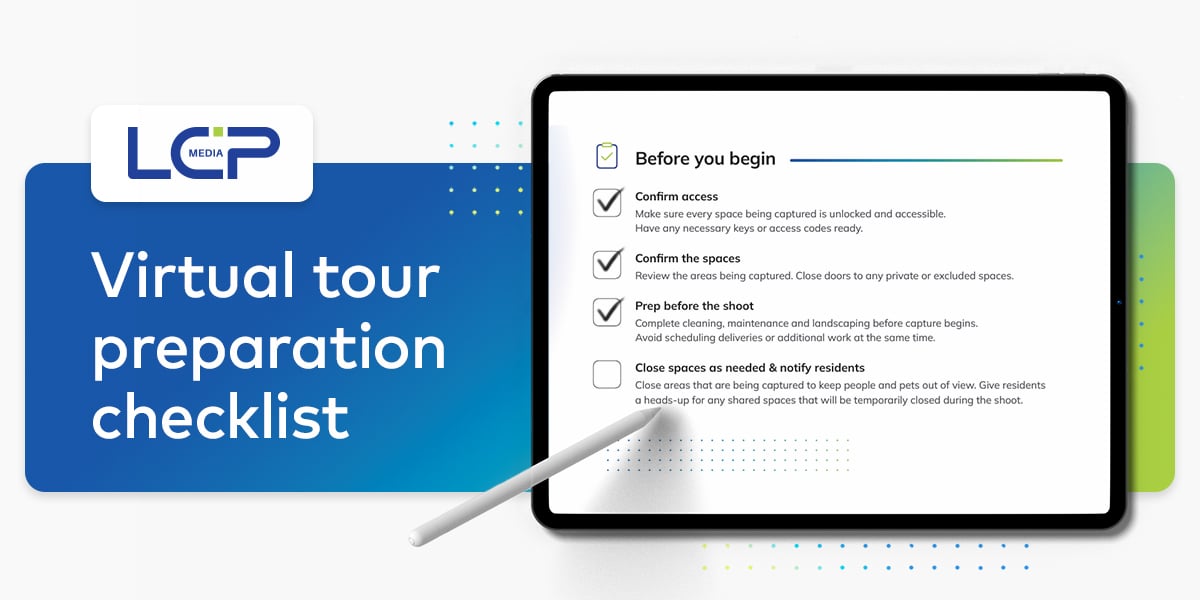
Planning to create a virtual tour? Whether you have a professional shoot scheduled or your on-site team is handling capture, getting the property...
.jpg?width=30&name=Headshot%20(1).jpg) Natalie Mahn : Jun 4, 2026, 1:40:06 PM
Natalie Mahn : Jun 4, 2026, 1:40:06 PM
Ready for an easy, affordable way to create virtual tours that impress renters? We’re excited to introduce TourBuilder One, our new, all-in-one...
 McKenna Hogan : Mar 23, 2020, 8:55:00 AM
In-person apartment tours have always remained a valuable piece of the leasing process. After all, that’s where the relationship between the...