Easy capture, impressive quality: The technology behind TourBuilder One
In case you missed the big news, we launched TourBuilder One earlier this year. Our all-in-one mobile capture solution makes it easy to create ...
4 min read
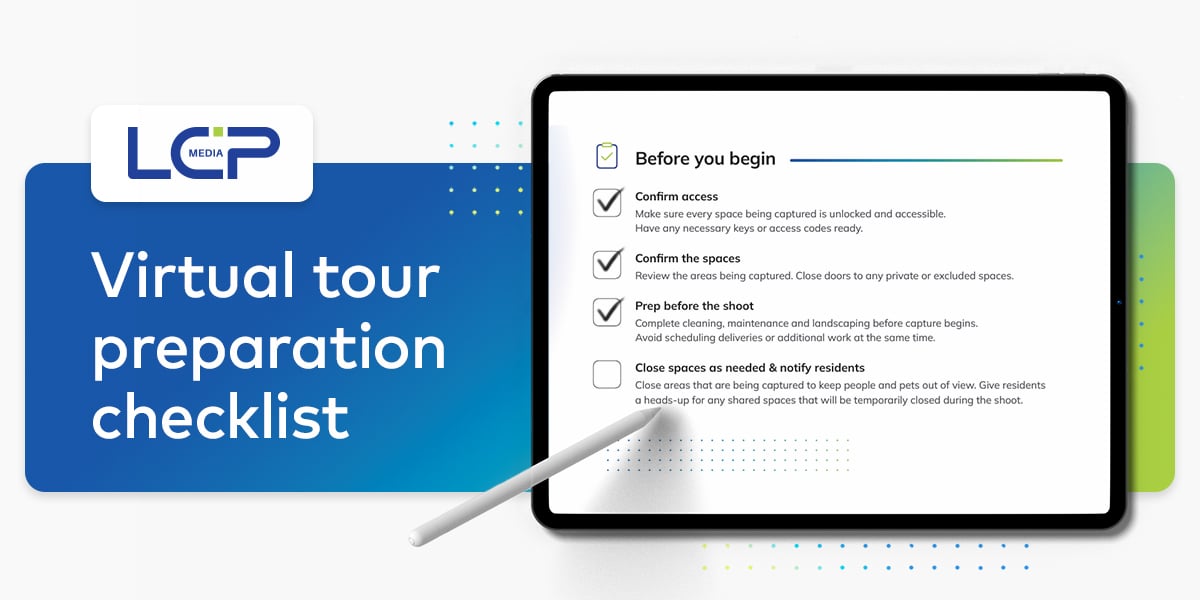
Planning to create a virtual tour?
Whether you have a professional shoot scheduled or your on-site team is handling capture, getting the property ready is an important first step.
Preparation can involve cleaning, landscaping, maintenance, resident communication, amenity closures and final styling. With so many details and people involved, it helps to have a clear plan.
That’s why we created a free virtual tour preparation checklist for multifamily teams. It’s designed to help you divide responsibilities, keep track of the details and make sure every space is ready before it’s captured. 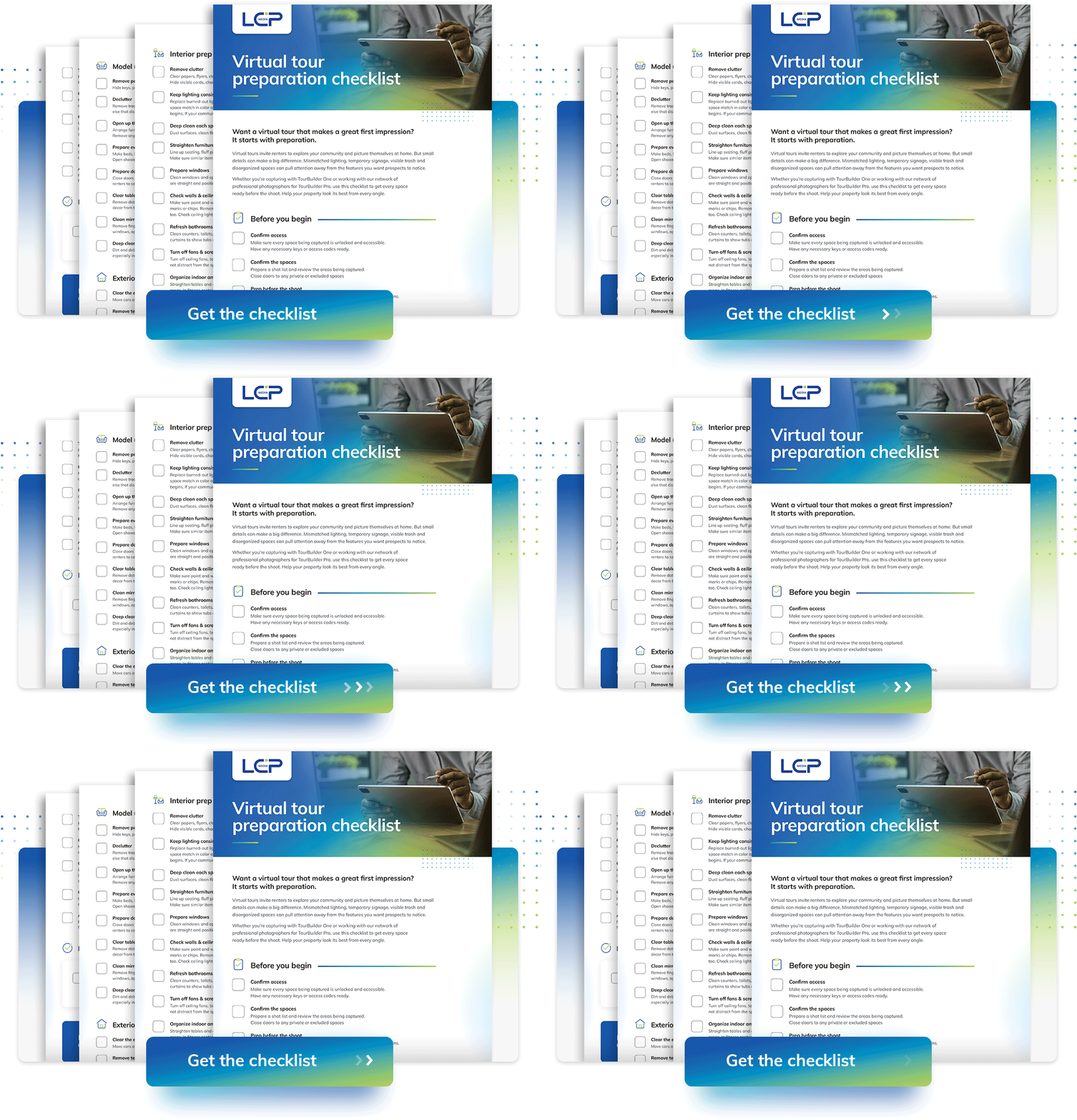
Let’s look at why preparation matters.
First impressions often start online
When renters search for their next home, they may first discover your community on an internet listing service, Google or your website.
The photos and virtual tours they find can shape their impression of the community before they ever speak with your leasing team or schedule an in-person visit.
A clean model unit can feel welcoming. An organized pool deck can help renters picture themselves enjoying the space. A bright, polished fitness center can make the amenity feel even more appealing.
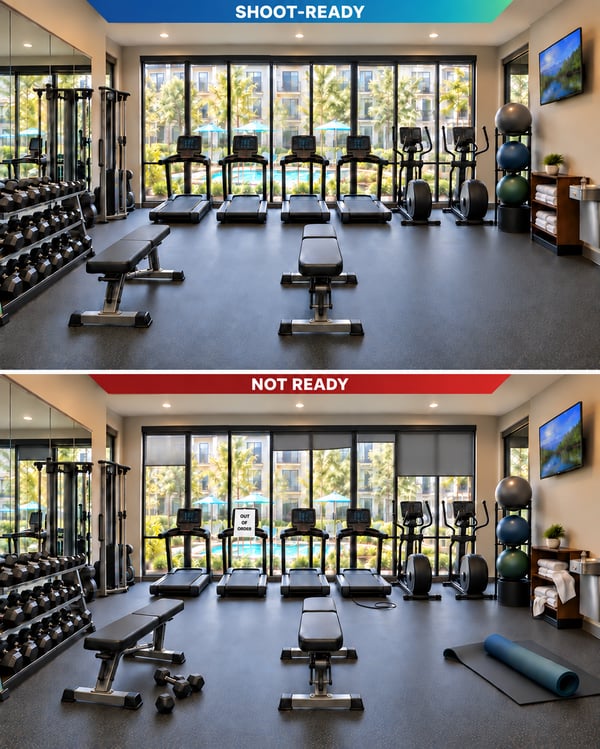
But temporary signage, mismatched lighting, visible cords or a forgotten trash can pull attention away from everything you want renters to notice.
These details may feel small in person, but they can be much more noticeable in photos and virtual tours. With 360-degree images, renters can look in every direction.
The takeaway is simple: Your visual media is part of your community’s first impression. Thoughtful preparation helps make it a good one.
The shoot is one day, but the impact lasts much longer
We know property teams have full plates. They support residents, give tours, manage maintenance needs, and handle daily operations.
If you’re working with a professional photographer, your shoot will typically take place on a scheduled day. That means amenity closures, resident notifications, cleaning, maintenance, and final styling should all be completed before the photographer arrives.
On-site capture by your own team offers more flexibility. With TourBuilder One, your team can plan capture around the property’s schedule and shoot different spaces when they’re ready. You might capture a model unit one day and wait until another day to capture the pool or fitness center.
That flexibility is a major benefit, but it still helps to have a plan. Tracking which spaces are ready, which have been captured, and what still needs attention can keep the process moving.
No matter when your capture is scheduled, the virtual tours and photos you create will support your marketing for months or even years.
They may appear on your website, Google Business Profile, social media, and ILS listings. Your leasing team may also share them directly with prospects.
Capture may happen in a day, but its impact lasts much longer.
Who should prepare the property?
There isn’t one answer that works for every community.
An on-site team member might lead preparation because they know the property and its daily schedule best. A regional manager may help coordinate responsibilities across teams. Your marketing department might confirm which spaces should be captured and how they should be presented.
In many cases, preparation will involve everyone.
With a lot of people involved, it’s important to decide who is responsible for each task. Otherwise, it can be easy to assume someone else checked the lighting, moved the trash cans, or notified residents that an amenity would be closed.
Figure out what works best for your team, then make the plan clear:
Create a shot list
Choose who will lead the preparation process
Set deadlines for cleaning, maintenance, and landscaping
Designate one person to complete the final walk-through
The goal is to make sure every task is assigned, completed, and reviewed before capture begins.
Professional or onsite capture? Preparation matters for both
LCP Media offers two ways to capture high-quality virtual tours: professional capture and on-site capture.
Professional capture with TourBuilder Pro
With TourBuilder Pro, a photographer from our national network comes to your community to capture property-level spaces such as amenities, model units, and exteriors.
Our photographers know how to capture strong angles and create polished visual media. On shoot day, their role is to focus on capturing your community.
Your team knows the property better than anyone. You know how the model unit should be styled, which signs are temporary, and what needs attention before the photographer arrives. Preparing those details in advance lets the photographer focus on making the most of the scheduled shoot.
Self-capture with TourBuilder One
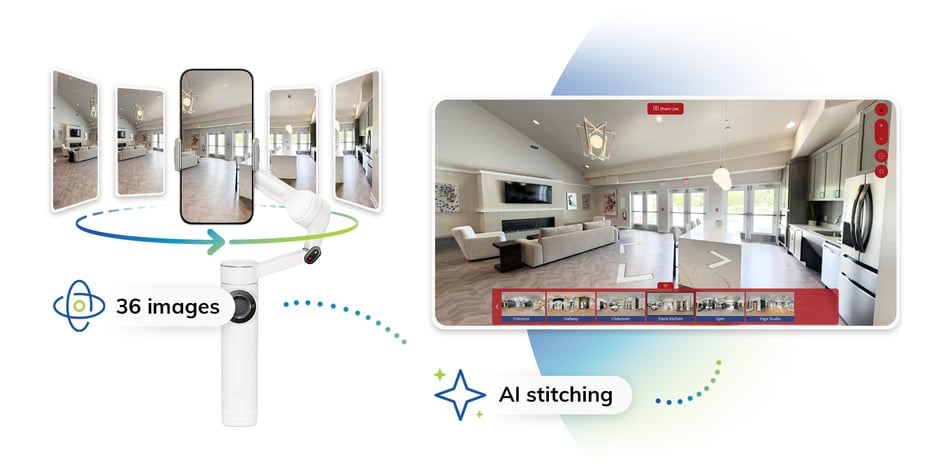
If your team prefers self-capture, TourBuilder One uses an iPhone, gimbal, tripod, and the TourBuilder app to create property-level and unit-level virtual tours, photos, and videos.
This solution guides your team through the capture process and gives you more flexibility over the schedule. You can prepare and capture each space when it works best for your property instead of getting everything ready for one scheduled shoot day.
Still, the technology will capture everything in front of it. Using the checklist for each space helps your team keep track of the details and know when an area is truly ready for capture.
What should you prepare?
Every property is different, but most teams will need to review:
Secure access to each space being captured
Cleaning, landscaping and maintenance
Resident communication and amenity closures
Exterior areas and temporary signage
Lighting, furniture and décor
Model units, bathrooms and closets
Personal items and private information
One final review from every angle
It can be a lot to remember. The full checklist breaks the process into clear sections so your team can work through the details without starting from scratch.
Get your free virtual tour preparation checklist
Our virtual tour preparation checklist covers the details that can make a difference before capture, from confirming access and preparing amenities to organizing model units and completing the final review.
Whether you’re preparing for a TourBuilder Pro photographer or using TourBuilder One to shoot with your team, the checklist can help your team stay organized and ready.
You can complete it digitally or print it and divide the sections among everyone helping with preparation.
Make capture day count
A strong virtual tour starts with a well-prepared space.
Preparing the property takes time and coordination to keep the focus on the spaces and features you want renters to remember.
Decide who will be involved, assign responsibilities, and use the checklist to make sure each space is ready before it’s captured.

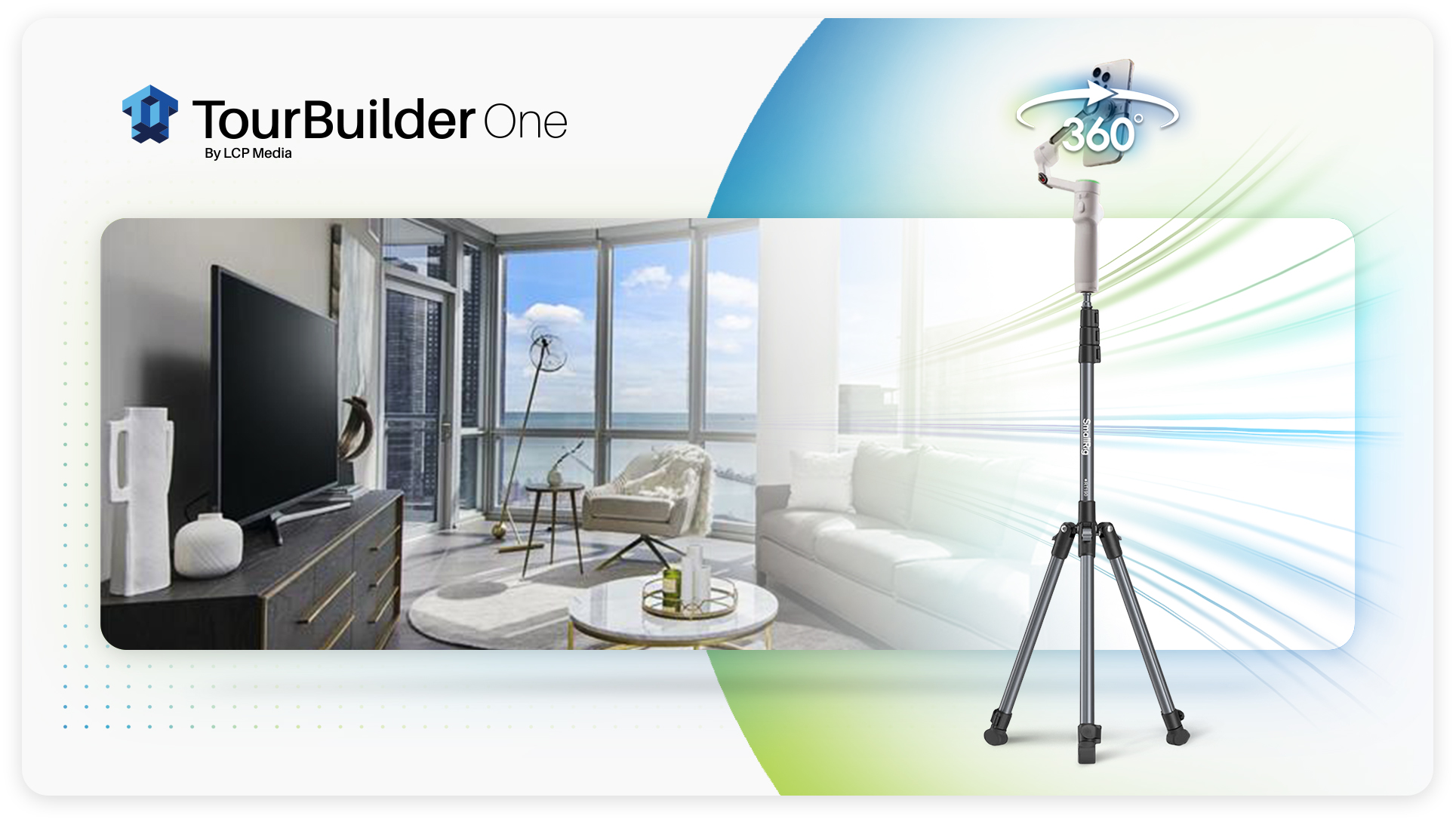
In case you missed the big news, we launched TourBuilder One earlier this year. Our all-in-one mobile capture solution makes it easy to create ...
.jpg?width=30&name=Headshot%20(1).jpg) Natalie Mahn : Jun 4, 2026, 1:40:06 PM
Natalie Mahn : Jun 4, 2026, 1:40:06 PM
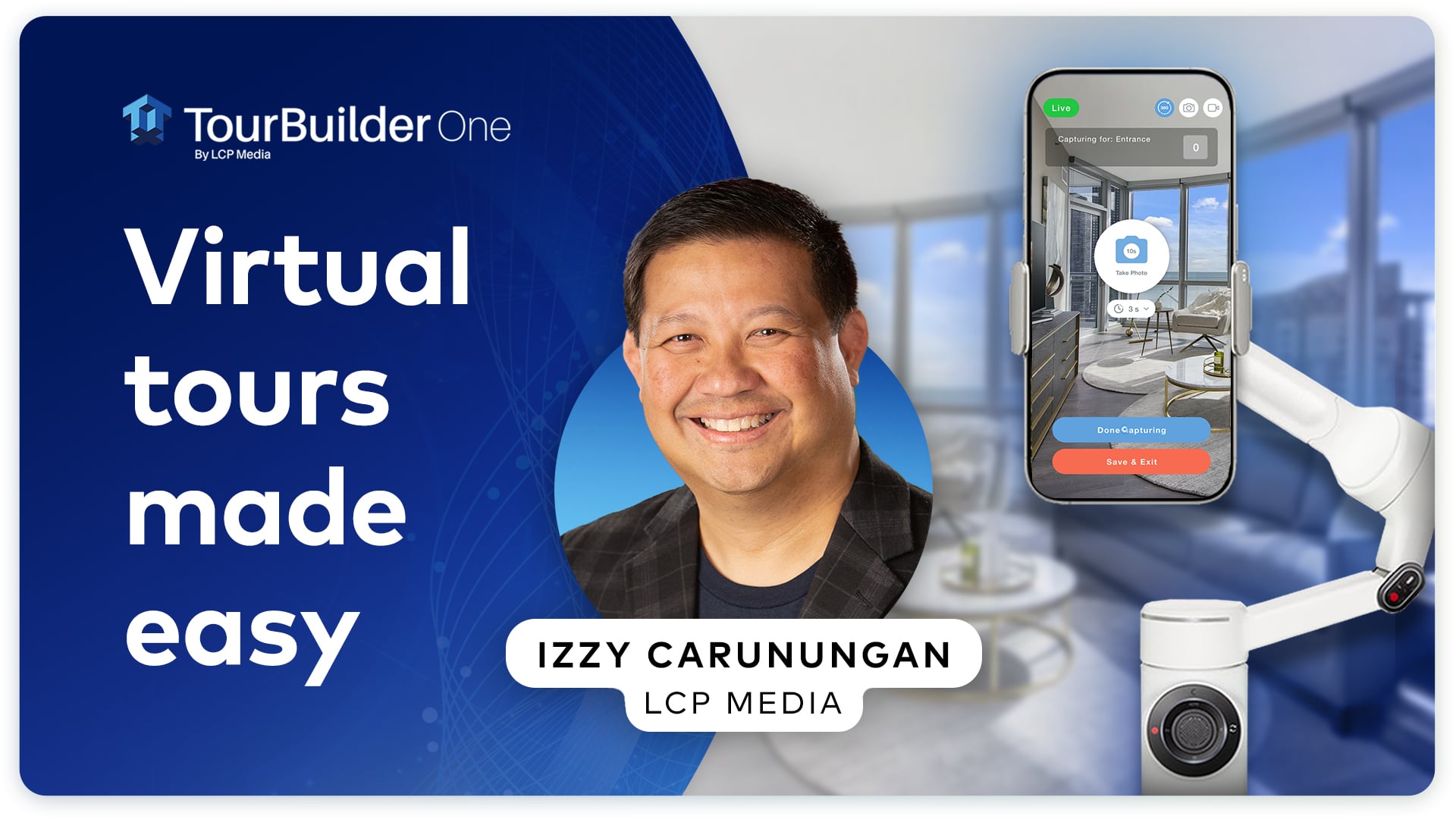
Ready for an easy, affordable way to create virtual tours that impress renters? We’re excited to introduce TourBuilder One, our new, all-in-one...
 McKenna Hogan : Mar 23, 2020, 8:55:00 AM
In-person apartment tours have always remained a valuable piece of the leasing process. After all, that’s where the relationship between the...